

For families
Practice the class spelling list at home
Your child’s teacher sent a Spelling Stream link? Open it in any browser and your child can play this week’s words now. For more practice, the free Spelling Stream app adds games, practice tests and rewards.
Three ways to practice
The class link, the free app, and Pro
| Class link | Spelling Stream app, free | Spelling Stream Pro | |
|---|---|---|---|
| Where | Any web browser | iPhone, iPad and Android | iPhone, iPad and Android |
| The words | The teacher’s list, up to 40 words | One list, the first 10 words in games and tests | Up to 100 lists of 50 words each |
| Getting the list | Open the teacher’s link | Open it from the class link, snap a photo, or type it | Open it from the class link, snap a photo, or type it |
| Practice | Three games | Games and practice tests | Games and practice tests, plus words your child keeps missing come first |
| Rewards | None | Stars and stickers | Stars, more stickers, and rewards you set |
| Voice | US or Australian English voice | Your own recordings, or the built-in voice | Your own recordings, or a clearer recorded voice |
| Price | Free | Free | Paid; the yearly plan starts with a 7-day free trial. See pricing |
The free app
Put the class list in the app
- Download Spelling Stream on iPhone, iPad or Android, open it once and finish setting it up.
- Open the class link and choose Play in the mobile app. After a quick grown-up question, tap the link on the phone that has the app, or scan the QR code with that phone’s camera. The list opens in the app for you to check and save.
- Record the words in your own voice if you like, or use the built-in voice.
- Hand it over. Your child plays games, takes practice tests and earns stars and stickers.
- Open the class list from its link, or snap a photo of it or type it in
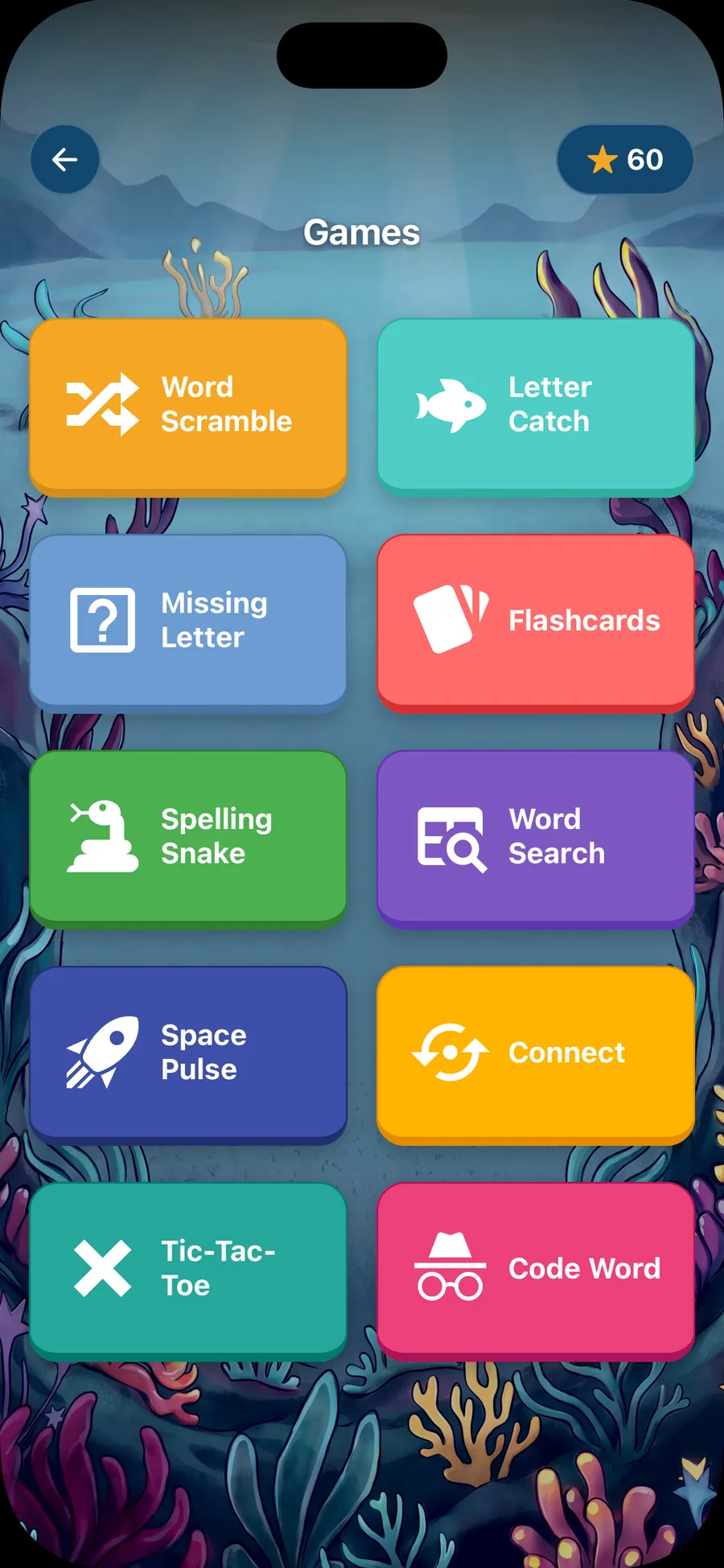
- Games, practice tests, and stars and stickers to earn
- Words read in a parent’s own recorded voice, or the built-in voice
- No ads, no account, and it works offline
Free covers one word list, with the first 10 words in games and tests: enough to try everything with a real school list. Longer lists need Spelling Stream Pro. The app and the class link are separate and share no account. Only the list’s title and words go to the app when you open it there. Free holds one list. If the app already has a list, it asks first: replace it, get Pro to keep both, or cancel. Replacing deletes the old list and its recordings, and that can’t be undone.
Questions
Questions from families
Do we need the app to use the class link?
No. The class link works on its own in any web browser, free, with no account. The app is extra practice for families who want more.
How do we get the class list into the app?
Open the class link, choose Play in the mobile app and answer the grown-up question. Then tap the link on the phone that has the app, or scan the QR code with that phone’s camera. The app opens with the list filled in for you to check and save. Install the app and open it once to set it up first. You can also snap a photo of the printed list or type the words in.
What does the free app include?
One word list, with the first 10 words in games and practice tests, stars and stickers to earn, words read in a parent’s own recorded voice or the built-in voice, and offline use. No ads and no account.
What if the list has more than 10 words?
The free app still lets your child practice the first 10 words of the list in games and tests. The class link covers every word, up to 40, for free. Spelling Stream Pro covers up to 100 lists of 50 words each. Its yearly plan starts with a 7-day free trial.
Can we change the games or make them easier?
Not in the browser. The teacher chooses the games and how hard they are for the class list, and the class link plays them that way in the browser. If a game is too hard or too easy for your child, tell the teacher. The Spelling Stream app does not use the teacher’s settings yet: it has its own games, where your child picks how hard Missing letter is.
Is the app safe for my child?
The app has no ads, needs no account, and settings sit behind a parent lock. Read more about privacy on spellingstream.com.
More about the app on spellingstream.com.
A teacher? Make a free class list
Type your class’s words, share one link, and print one page for home with the words and a QR code.